Confirm the Length After the Turn
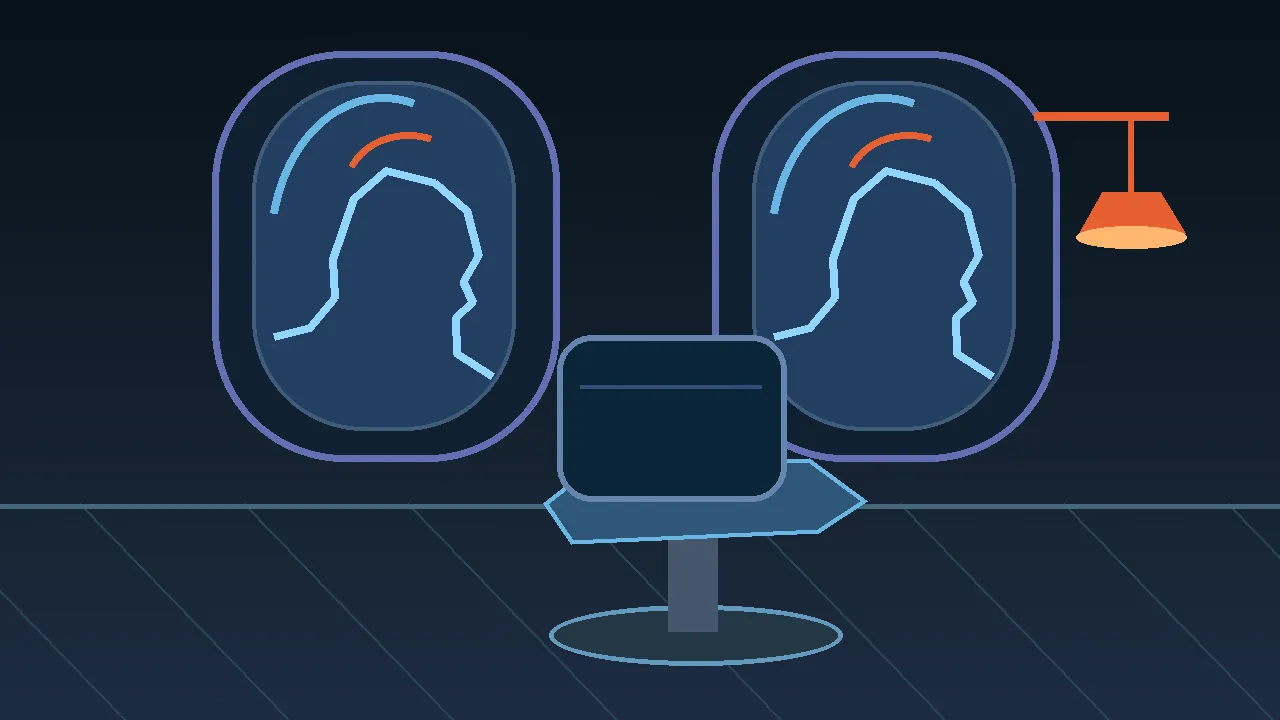
A customer has asked to keep part of their familiar profile and try a slightly shorter outline. The two drawings look close from behind the chair. From the front, the proposed length sits near a different part of the collar. The player needs to show the new drawing, then hear which part of it the customer wants to preserve. In our first sketch the reply and the new illustration happened at once. That made it hard to say which version the reply was about.
The choice happens in Keep the Turn at the Crown. At the start, the two possible lengths have separate names. The earlier line stays in the comparison after the player opens a new view. We decided to keep the written confirmation next to the later picture rather than put both into a moving banner.
Wait until the relevant profile is visible
A first run begins with a longer reading. When the barber opens the second view, the first response remains available on the earlier picture. The new view has enough room for a title and a length label. The player can choose to confirm after the customer can see the requested feature. That creates a pause in the scene where the new outline is visible but the result is still open.
A second test begins with a shorter proposal. The customer can ask to retain the same turn at the crown, and the report points to the place of the turn instead of simply counting how much the line moved. The earlier shape is helpful even after the reply. A reader can go back to see which part of the drawing the customer noticed before the proposed changes appeared.
Keep a label that belongs to one choice
We tried holding the length at the top of the display while the drawing changed below it. In a narrow window, that label looked like a description of whatever full picture happened to be visible. Moving the label closer to its own profile makes the two views easier to interpret. In a stacked layout their order stays the same as in the folio. The earlier label sits with the earlier drawing, and the later one follows its image.
The written confirmation can then say which part of the profile the customer recognizes. A reply should not push the player into a particular revision if another view still needs to be checked. The prototype leaves that choice open while the previous proposal remains available. It is a short record of what someone saw and a way to try one more view if needed.
Compare a different feature at the lower edge
The Line in the Second Mirror focuses on the line near the collar. The customer can point to that edge from the first view. The next view can show it closer to another part of the outline. A label identifies the same request in both cases. The interaction needs to preserve that connection until the customer looks at the new proposal.
Open the Style Folio and compare which words identify the original change in both games. Return to the first drawing and ask whether the label belongs to the picture, the choice or the reply. The interface should make all three places available. If a reader can verify the length but does not know which part the customer wanted to retain, we can give the retained mark a clearer name before asking for another confirmation. The next test can use the same chair and replace only the proposed outline. That lets us see whether the labels hold their connection while the visible choice changes.